Running traditional VPN servers is costly, fragile, and inefficient. Our browser VPN extension routes through edge nodes to provide seamless privacy without legacy overhead.
Running traditional VPN servers is costly, fragile, and inefficient. Choosing a modern browser VPN extension that routes web requests through distributed edge nodes delivers continuous encryption, high-speed routing, and zero maintenance downtime. Unlike legacy desktop tunnels that drag down your connection, edge-native browser extensions intercept socket requests directly at the application boundary to prevent DNS leaks and hide IP address Chrome sessions seamlessly.
Every VPN company runs servers. Physical or virtual machines sitting in data centres around the world. They pay for the hardware, or they rent it. They maintain it. They patch it. They monitor it. When it goes down at 3am on a Saturday, someone has to fix it.
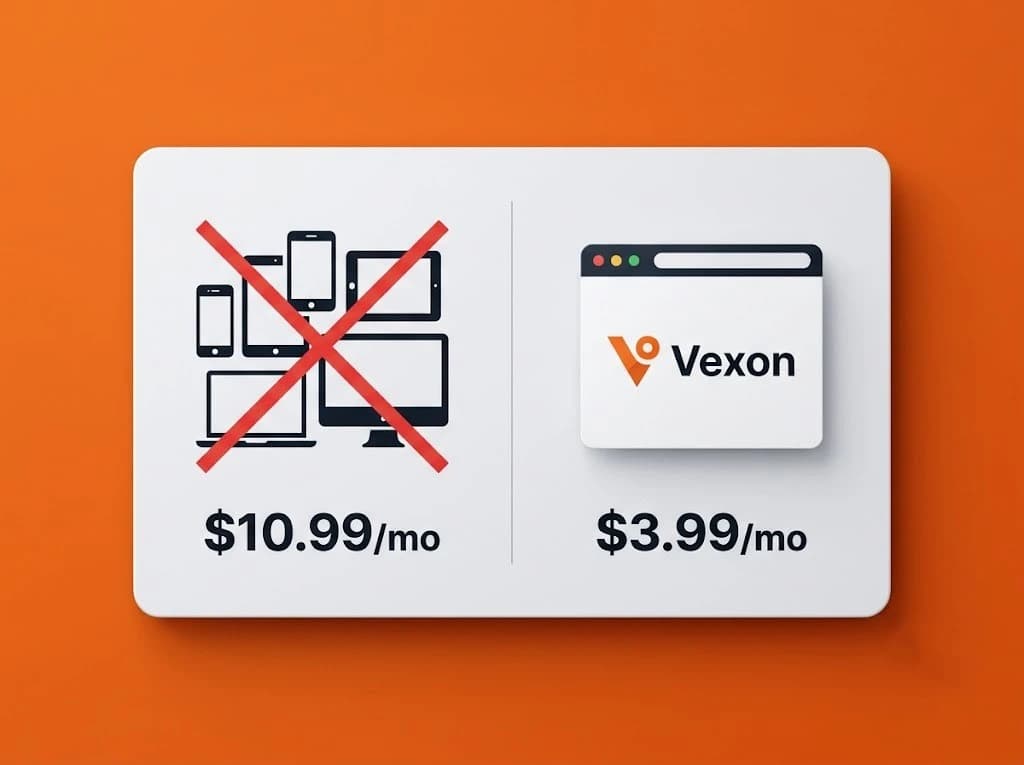
That cost gets passed to you. $9.99/month. $12.99/month. Sometimes more.
Vexon doesn't run servers.
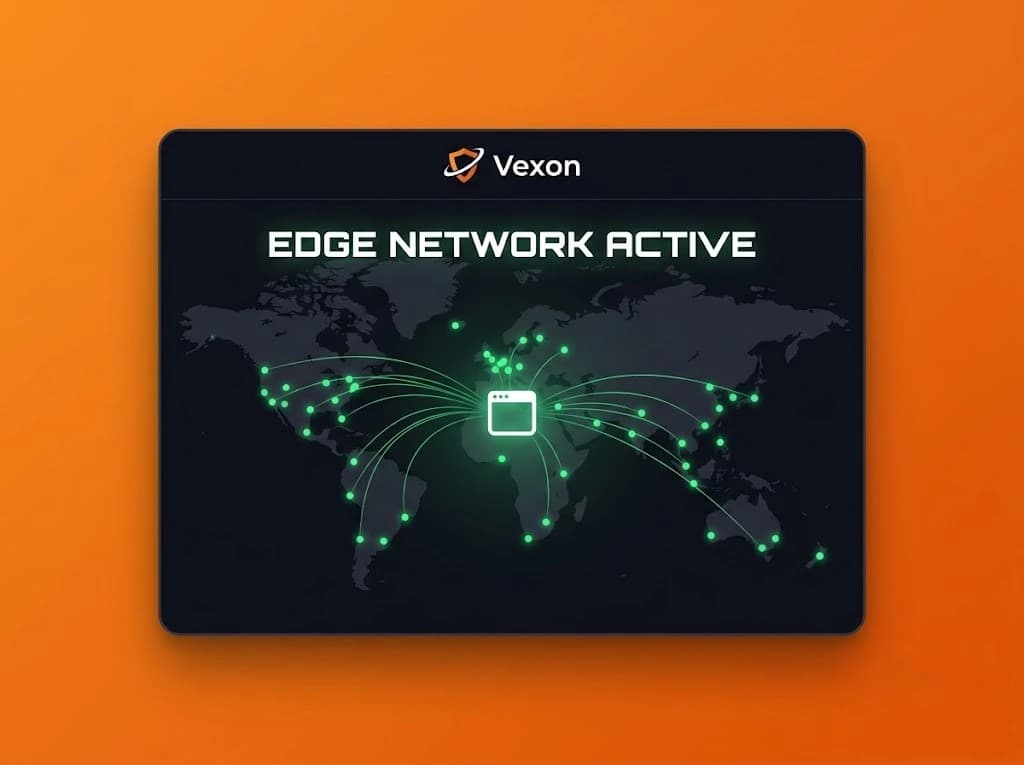
We route through a globally distributed edge network — infrastructure that spans hundreds of cities worldwide. When your browser makes a request through Vexon, it is handled at the node physically closest to you. Not a server in one fixed location, but the nearest available point on a network that covers most of the inhabited world.
This architecture directly resolves three major performance challenges:
Speed: Ultra-Fast Browser VPN Extension Anycast Routing
Traditional VPNs add latency because your traffic travels to one fixed server before going to its destination. If that server is in the Netherlands and you are in Singapore, every request takes that full round trip. Our routing handles the request at the closest available point automatically. Your traffic travels the shortest possible path, making this edge browser extensions model significantly faster than conventional server relays.
Reliability: High-Availability Edge Browser Extensions
If one node goes down, traffic reroutes to the next nearest one without interruption. No single point of failure. No Saturday outage. No support ticket. The network maintains enterprise-grade uptime with automatic failover built directly into the routing fabric to continuously hide IP address Chrome sessions.
Scale: Enterprise Scale to Prevent DNS Leaks & Hide IP Address Chrome
The infrastructure we use handles traffic at an enterprise scale most VPN companies will never reach. Vexon does not need to worry about server exhaustion when thousands of users connect simultaneously. That problem is already solved at the global edge network level — at a scale that easily handles massive surges while continuing to prevent DNS leaks across all connections.
Global Privacy: Hide IP Address Chrome & Prevent DNS Leaks Worldwide
Premium locations work cleanly inside this model. Each country selection routes your browser traffic through the corresponding regional node. Selecting UK routes through London. Selecting Japan routes through Tokyo. The destination website sees the regional exit IP — never yours. When combined with strict socket isolation, this browser extension edge architecture guarantees your authentic coordinates stay completely shielded.
There is no proprietary server network here. No hardware we manage, patch, or worry about. The network relies on existing enterprise-grade global edge points designed for continuous scale. Those architectural efficiencies pass directly to you: $3.99/month instead of $9.99.
Frequently Asked Questions: Browser VPN Extension & Edge Routing
Why is a browser VPN extension faster than a traditional server VPN?
A browser VPN extension routes traffic through local edge nodes located closest to your physical location, eliminating the round-trip latency of distant centralized servers.
How do edge browser extensions prevent DNS leaks?
By routing browser DNS requests through encrypted zero-knowledge edge resolvers rather than your local ISP gateway, edge browser extensions prevent DNS leaks and keep search queries invisible from network observers.
Can I hide IP address Chrome traffic without installing device-level software?
Yes. A browser extension edge tool proxies all Chrome HTTP, HTTPS, and WebSocket traffic at the application socket layer, allowing you to hide IP address Chrome traffic without slowing down your system or installing heavy background software.