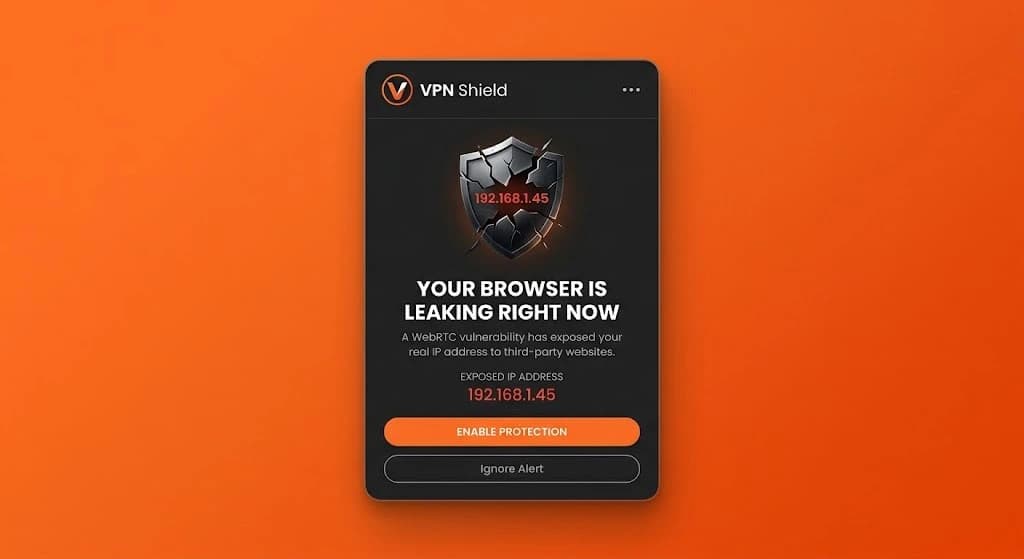
23% of VPN users expose their real IP to every website they visit... silently, automatically, without a single warning
To prevent DNS leaks and browser IP exposure, you must block unencrypted socket requests, disable browser WebRTC STUN queries, and route all network lookups through encrypted edge resolvers. Even with an active VPN, standard browsers frequently bypass encryption tunnels, exposing your real geolocation and identity to every website you visit without any warning.
There are 3 critical ways to prevent DNS leaks and browser IP exposure before your privacy is compromised in the background:
Leak 1 — DNS Leak Fix: How to Prevent DNS Leaks
Every time you enter a domain or click a link, your browser must resolve the hostname to an IP address via a Domain Name System (DNS) query. Operating systems maintain fallback network adapters. When you connect through a virtual private network, your browser often issues unencrypted UDP port 53 packets directly through your local ISP gateway rather than the encrypted tunnel. This phenomenon is known as a DNS leak. Your Internet Service Provider logs every domain, subdomain, and exact timestamp in an unencrypted log file. Applying an effective DNS leak fix requires forcing all browser lookup requests through zero-knowledge edge resolvers that drop plaintext fallback sockets.
Leak 2 — WebRTC Leak Fix: Stopping Silent IP Exposure
Web Real-Time Communication (WebRTC) is built directly into modern Chromium and Firefox engines to enable peer-to-peer audio, video, and file sharing without plugins. To establish direct connections between peers, WebRTC executes Interactive Connectivity Establishment (ICE) using STUN (Session Traversal Utilities for NAT) servers. During this handshake, the browser transmits UDP packets outside the operating system routing table and VPN tunnel, discovering and returning your true public IPv4 address, internal LAN address, and IPv6 routing prefix directly to client-side JavaScript. Because device-level VPNs operate below the browser application layer, they cannot intercept internal browser APIs. Implementing a verified WebRTC leak fix inside the browser extension sandbox ensures non-proxied UDP queries are blocked instantly.
Leak 3 — IPv6 Bypass & Essential DNS Leak Protection
The majority of commercial VPN tunnels only encapsulate IPv4 packets, leaving modern IPv6 traffic completely unrouted. Most residential and mobile ISPs now deploy dual-stack connectivity, assigning every device a public IPv6 address. When a website advertises AAAA DNS records, browsers naturally prioritize IPv6 connections over IPv4. Because the tunnel does not support IPv6 routing, the browser establishes a direct, unencrypted channel through your ISP. Anyone monitoring the destination server observes your physical geolocation and hardware identity. Comprehensive DNS leak protection must automatically disable or route IPv6 traffic through hardened edge nodes to guarantee complete invisibility.
Step-by-Step Mitigation: How to Verify & Prevent DNS Leaks
To verify whether your system is currently leaking your real identity, follow these practical steps:
- Step 1: Test Your Baseline IP and DNS — Launch an independent browser leak test before starting your privacy tool. Note the ISP hostname and DNS server IP addresses displayed.
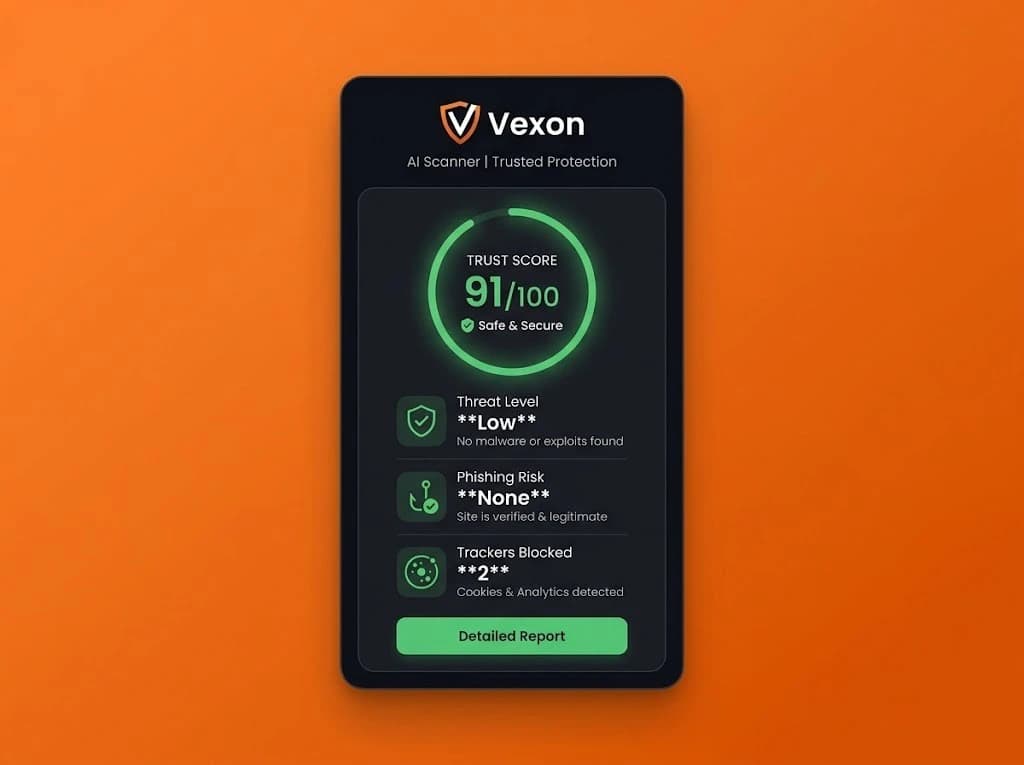
- Step 2: Activate Browser Edge Routing — Install Vexon to enforce browser-level socket isolation. Vexon routes all HTTP, HTTPS, and DNS traffic through encrypted secure edge nodes, neutralizing operating system socket leaks.
- Step 3: Enable Automated WebRTC Leak Fix — In the extension interface, verify that WebRTC policy restriction is enabled. This prevents client-side scripts from reading local interface adapters.
- Step 4: Confirm DNS Leak Protection — Re-run the verification scanner. Your ISP resolver names should disappear entirely, replaced by secure edge anycast nodes with zero logs.
Frequently Asked Questions About Browser Leak Prevention
How do I test if my browser is leaking my real IP address or DNS queries?
Visit an independent leak detection scanner with your VPN or proxy running. Check if your ISP provider name or your actual geographic city appears under DNS queries. If your ISP DNS resolvers appear, your browser is experiencing a DNS leak.
Why does WebRTC leak my real IP even when my device VPN is connected?
WebRTC uses the STUN protocol to establish low-latency peer-to-peer connections. These STUN requests bypass operating system network routing tables and VPN tunnels, sending direct packets that reveal your true public and private IP addresses directly to client-side JavaScript.
What is the most effective WebRTC leak fix and DNS leak protection method?
The most effective fix is using browser-level proxy extension protection like Vexon that enforces WebRTC policy restrictions (disablenonproxied_udp) and routes all DNS lookups through encrypted edge resolvers, eliminating operating system socket bypasses.